Why Getting Traffic into Your Cluster Isn't as Easy as You Think
Key takeaways
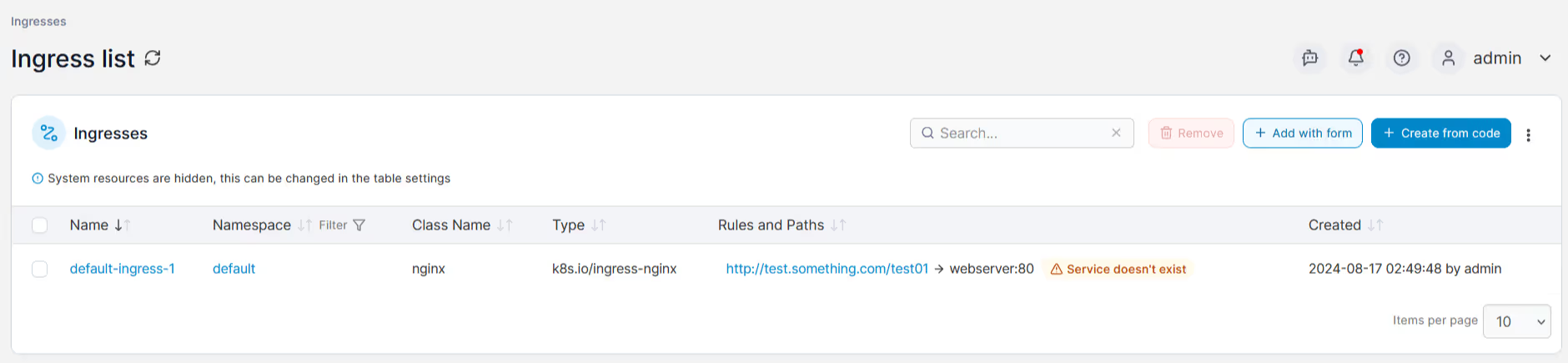
Exposing Kubernetes services doesn't need to be a guessing game or an operational headache. Portainer helps demystify Kubernetes networking by clearly visualizing your configurations, simplifying ingress management, and giving you instant, understandable control over your cluster's external access.
\With Portainer you can confidently deploy, manage, and troubleshoot networking scenarios, even if your team is new to Kubernetes.
Kubernetes offers multiple ways to expose your services: ClusterIP, NodePort, HostPort, LoadBalancer, and Ingress. Each of these methods has nuances, strengths, and pitfalls, often causing confusion, mistakes, and accidental security risks.
Let’s demystify these service types, clarify their intended use-cases, and reveal common pitfalls engineers frequently encounter when exposing applications externally.
ClusterIP: Internal only, not for external traffic
ClusterIP is Kubernetes' default service type. These services are allocated an internal IP address, accessible only from within the cluster. Engineers often mistakenly assume ClusterIP services will be externally accessible, leading to frustration.
Pitfalls:
- Misunderstanding the strictly internal scope.
- Confusing why external access doesn't work "out-of-the-box."
NodePort: Simple, but forces non-standard ports
A NodePort service exposes your application on a static port (between 30000 and 32767) across every node's IP. This makes services quickly accessible externally, but forces applications to use non-standard, high-numbered ports.
Pitfalls:
- Having to manage and document non-standard ports (e.g., using
30080instead of80), confusing users and complicating firewalls. - Potential security issues if firewall rules inadvertently allow unintended access.
HostPort: Limited pod-level exposure
HostPort directly binds a pod’s container port to the host node’s IP address. It’s simple but restricts Kubernetes’ scheduling flexibility—only one pod per HostPort per node is possible.
Pitfalls:
- Scheduling conflicts leading to deployment issues.
- Incorrectly assuming it's equivalent to NodePort.
LoadBalancer: Ideal for standard application ports
LoadBalancer services request dedicated external IP addresses to expose applications on standard application ports (like 80, 443, or database ports such as 3306). Commonly associated with cloud providers (AWS ELB, Azure LB), LoadBalancer functionality can also be provided on-premises through solutions like MetalLB or kube-vip.
Pitfalls:
- Cloud LoadBalancer IP provisioning may not be instant.
- LoadBalancers in the cloud may incur additional costs.
- Misconfiguration of local load balancer solutions (eg duplicate IPs through a failure to exclude the LB IP range from your network IPAM) causing downtime.
- SPOF from local load balancers, unless the more complex BGP-type is used.
Ingress: Powerful, flexible web routing (but complex)
Ingress, implemented through a Kubernetes ingress controller, provides advanced HTTP/HTTPS routing rules based on hostnames, URL paths, and SSL termination. However, creating and maintaining ingress rules, especially complex regex path matching, is challenging and prone to mistakes without significant expertise.
Pitfalls:
- Incorrect ingress rule definitions causing downtime or incorrect routing.
- Challenges managing SSL/TLS certificates securely and consistently.
Simplifying Kubernetes networking complexity with Portainer
Clearly, Kubernetes networking (especially external service exposure) is anything but straightforward. Thankfully, Portainer significantly reduces complexity by providing intuitive ways to manage and visualize your Kubernetes service exposure methods.
Specifically, Portainer helps you:
- Define reusable ingress templates: Senior administrators create ingress rules once, simplifying subsequent deployments by less experienced operators
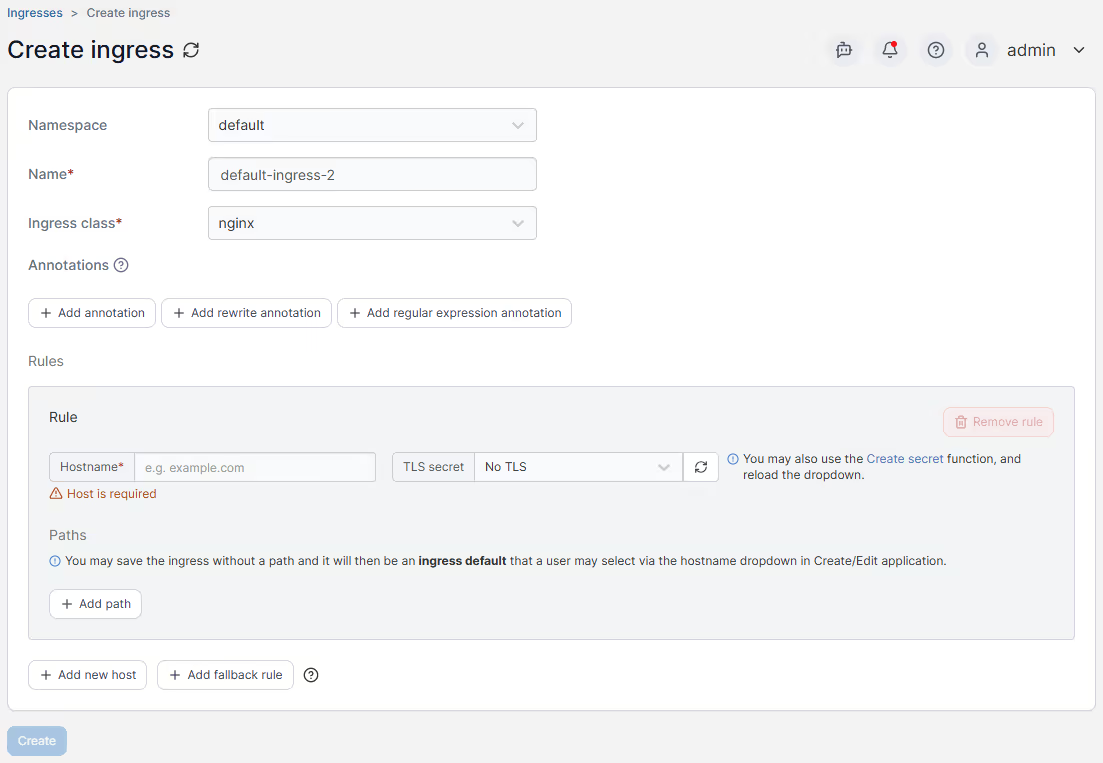
- Easily view external IPs for LoadBalancer services: Quickly find and troubleshoot your LoadBalancer service IP assignments, whether cloud-based or locally hosted.
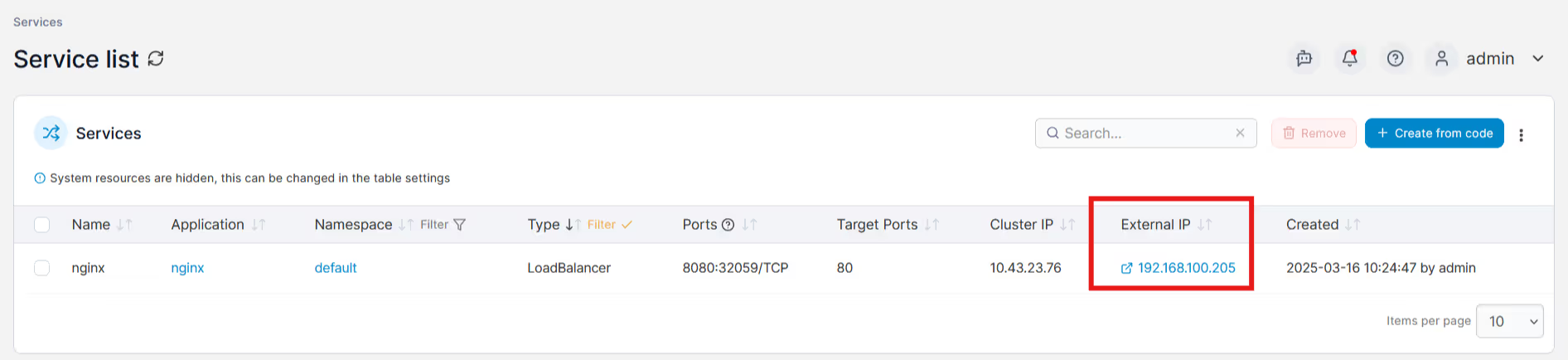
- Control NodePort and HostPort usage visually: Clearly identify services exposed via NodePort and HostPort, avoiding unintended external exposure.
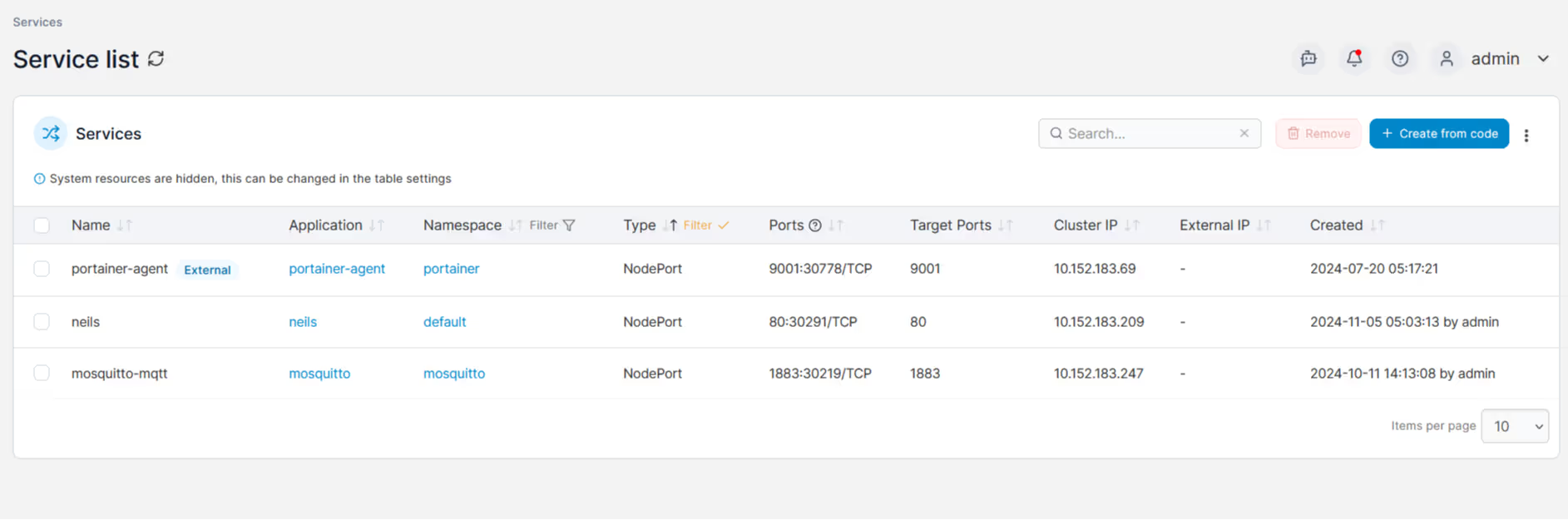
- Visualize all externally exposed services at a glance: Rapidly identify which services are accessible externally across your entire cluster.
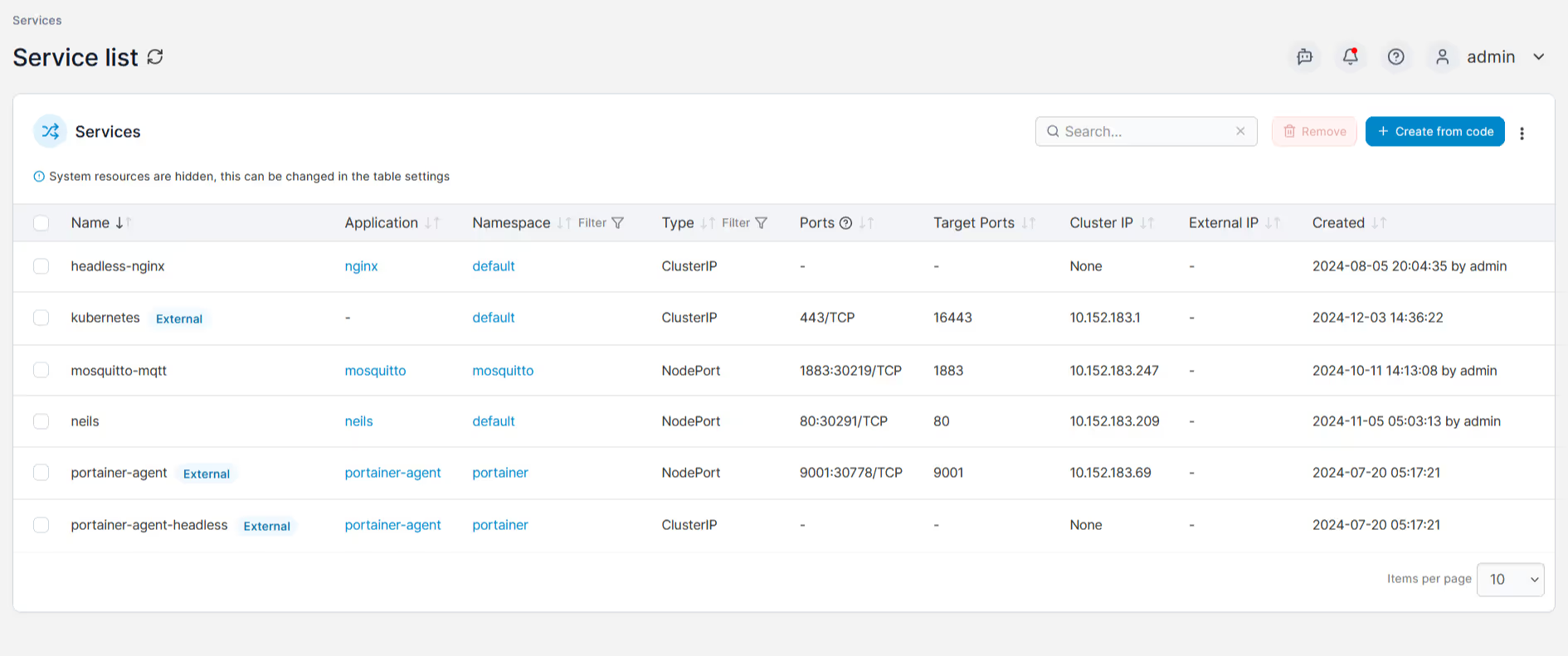
- Quickly diagnose and resolve networking issues: Visual insights into active service endpoints, LoadBalancer IP assignments, and ingress routes dramatically speed up troubleshooting.
Exposing Kubernetes services doesn't need to be a guessing game or an operational headache. Portainer helps demystify Kubernetes networking by clearly visualizing your configurations, simplifying ingress management, and giving you instant, understandable control over your cluster's external access.
\With Portainer you can confidently deploy, manage, and troubleshoot networking scenarios, even if your team is new to Kubernetes.
One platform, not twelve tools.
Govern Kubernetes across your whole fleet from a single control plane. Get 3 nodes free.
Get 3 nodes freeTalk to technical sales